CURL for New Users: An Easy Start
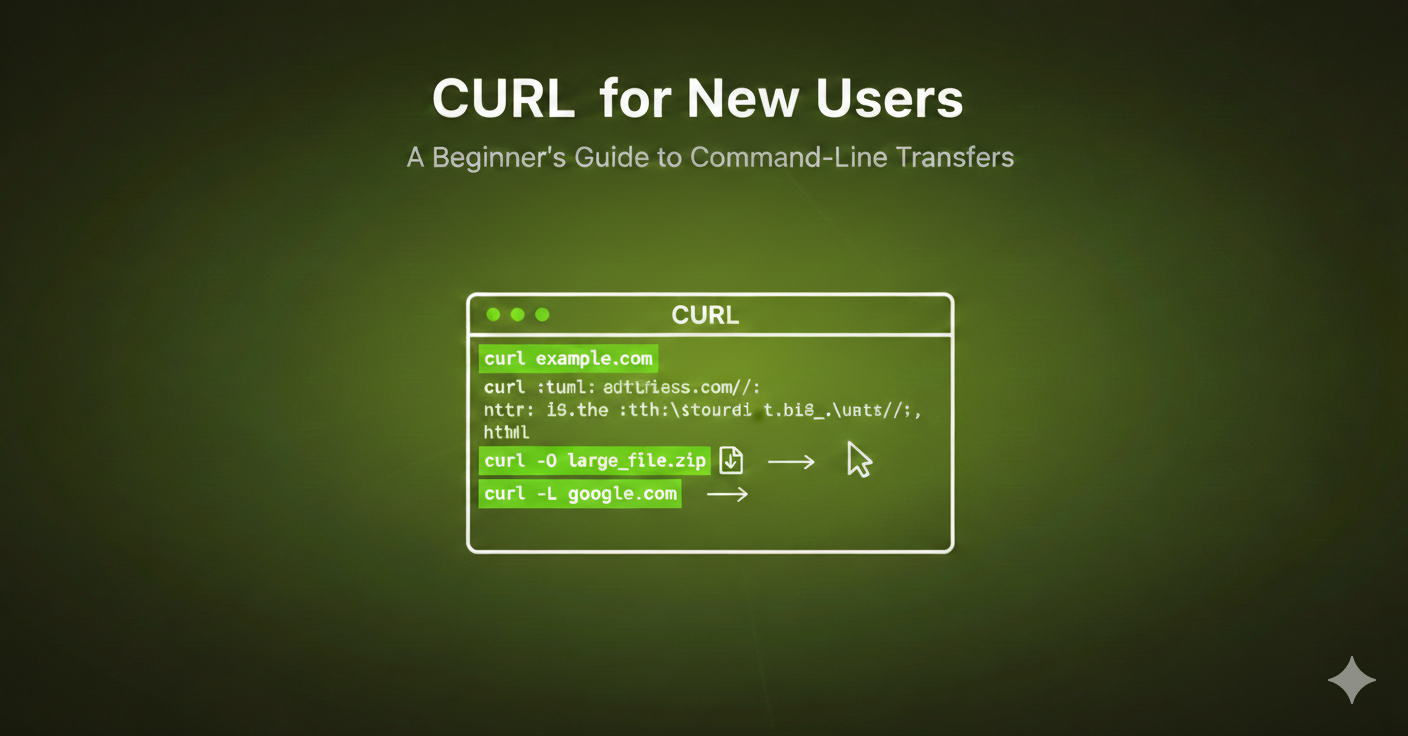
Introduction to cURL
cURL, which stands for “Client URL,” is a powerful command-line tool and library for transferring data with URLs. It supports a wide range of protocols, including HTTP, HTTPS, FTP, FTPS, SCP, SFTP, and more. cURL is an essential tool for developers, system administrators, and anyone needing to interact with URLs from a command-line interface (CLI).
Why cURL Is Important
cURL is important because it provides a simple and efficient way to perform network operations directly from the command line. It’s widely used in scripting, automation, and web development for various tasks such as testing APIs, downloading files, and interacting with web services.
Where cURL Is Used
cURL is used in numerous scenarios, including:
Web Development: Developers use cURL to test and debug APIs and web services.
Automation and Scripting: System administrators and DevOps professionals use cURL in scripts to automate network-related tasks.
Data Transfer: It’s used for downloading and uploading files across different protocols.
Troubleshooting: cURL helps in diagnosing network issues by providing detailed information about HTTP requests and responses.
How cURL Is Helpful
cURL is helpful in the following ways:
Versatility: It supports a wide range of protocols and options, making it versatile for various network tasks.
Ease of Use: Simple command syntax allows quick and efficient operations.
Automation: Easily integrates into scripts for automated tasks.
Debugging: Provides detailed information about requests and responses, aiding in troubleshooting and debugging.
Common Mistakes cURL Done by Programmers
Here are the most common mistakes beginners make when using cURL:
HTTP Method Mistakes: Forgetting to explicitly specify the request method with
-X(e.g., POST, PUT, DELETE), causing cURL to default to GET.Missing or Incorrect Headers: Neglecting to use
-H "Content-Type: application/json"when sending JSON data, which results in the server failing to parse the request.Data Formatting Issues: Improperly quoting or escaping JSON data within the
-dflag, or using the wrong flag (e.g., using-dinstead of-Ffor file uploads).Ignoring Redirects: Not using the
-L(or--location) flag, which causes cURL to ignore HTTP 3xx redirect responses, leading to "empty" responses.SSL/TLS Certificate Errors: Encountering
cURL error 60orcURL error 7because of invalid SSL certificates, often fixed insecurely with-k(insecure) instead of fixing the certificate issue.Not Following Redirects: Failing to use
-Lwhen a site redirects to another URL.Using URL for Credentials: Putting user/password directly in the URL (
http://user:pass@host) instead of using the-uoption, which fails when proxies are used.Ignoring Output: Not using
-v(verbose) to debug connection issues or see request/response headers.Overlooking
curlVersion: Using outdatedcurlversions that may not support modern security protocols, leading to connection issues.and many more.
Getting Started with cURL
Installation
cURL is pre-installed on most Unix-based systems, including Linux and macOS. For Windows, you can download the installer from the official cURL website.
Basic cURL Command
The basic syntax for a cURL command is:
curl [options] [URL]
Example Requests
Making a Simple GET Request
A GET request retrieves data from a specified URL.
curl https://github.com/akshpatel-dev
Making a POST Request
A POST request sends data to a server.
curl -X POST https://example.com/api -d "param1=value1¶m2=value2"
Adding Headers
You can add headers to your requests using the -H option.
curl -H "Content-Type: application/json" https://example.com/api
Using Basic Authentication
To use basic authentication, include the -u option followed by the username and password.
curl -u username:password https://example.com/api
Uploading a File
You can upload files using the -F option.
curl -F "file=@path/to/file" https://example.com/upload
Advanced cURL Usage
Handling JSON Data
To send and receive JSON data, use the following commands:
Sending JSON Data:
curl -X POST -H "Content-Type: application/json" -d '{"key1":"value1", "key2":"value2"}' https://example.com/api
Receiving JSON Data:
curl -H "Accept: application/json" https://example.com/api
Handling Cookies
To save cookies to a file and reuse them:
Save Cookies:
curl -c cookies.txt https://example.com
Reuse Cookies:
curl -b cookies.txt https://example.com
Verbose Output
To get detailed information about the request and response, use the -v option.
curl -v https://example.com
Conclusion
cURL is an indispensable tool for anyone who needs to interact with URLs from the command line. Its versatility, ease of use, and powerful features make it a must-have for developers, system administrators, and DevOps professionals. By mastering the basics and exploring advanced options, you can leverage cURL to streamline your workflows, automate tasks, and troubleshoot network issues effectively.
Start experimenting with the sample requests provided in this guide and explore the extensive documentation available on the official cURL website to further enhance your cURL skills.
Now that you have a solid understanding of cURL, it’s time to start experimenting. Play around with different commands, test various requests, and see what you can accomplish. If you have any thoughts, questions, or experiences you’d like to share, please leave a comment below.